

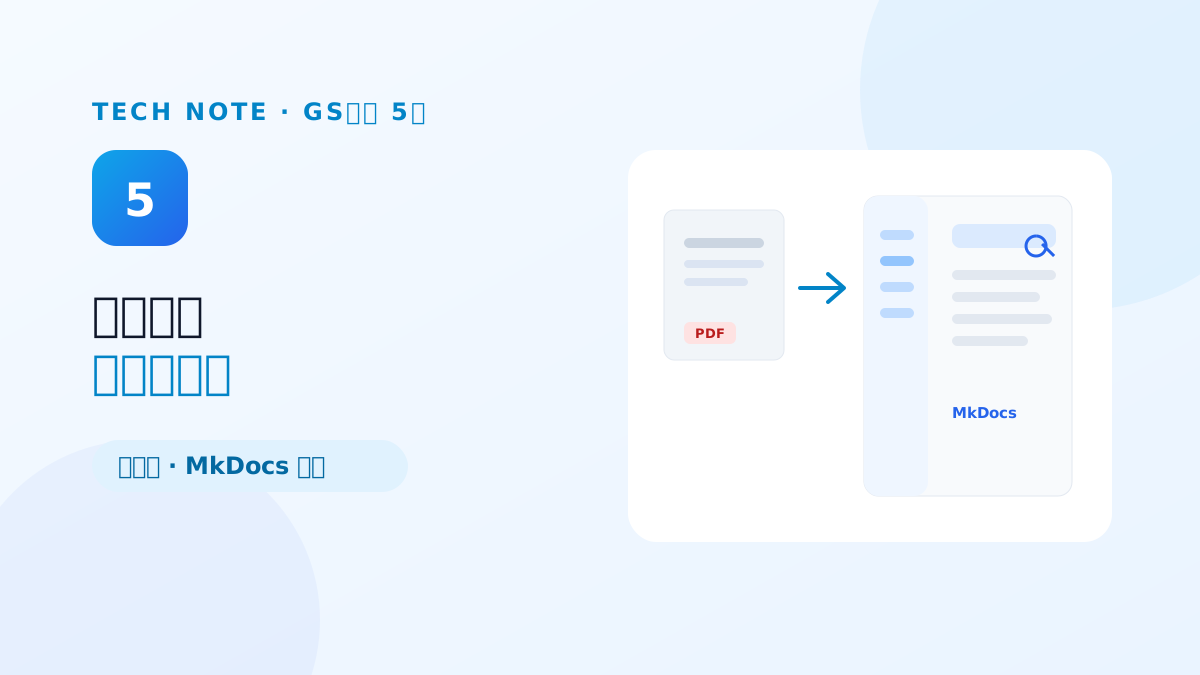
Twelve of the 20 defects in the first report were usability, and most of them pointed at the manual rather than the code. More than 45 pages were flagged where the screenshot did not match the screen, feature names in the program differed from feature names in the manual, and more than ten lines listed features that shipped but were never described. The testing did not score software and documentation separately. If the documentation was wrong, the product was wrong.
This last part covers how things we had thought of as living outside the code — documentation, language, permissions — became defects, and what standard was left when the three weeks ended.
The product and the documentation described two different things
The list of manual defects was specific. A page saying to add a node by drag and drop when it can only be added by clicking. A document calling the 'chat history' screen 'execution history'. Terms like GraphRAG query, hardly universal, with no explanation. Each is trivial; together they are the reason a user stops trusting the documentation.
The cause was clear. The UI changed weekly while the manual was bound as a PDF on its own release cycle. Re-shooting screenshots and editing the document could not structurally outrun the pace at which the product changed.
We dropped the PDF manual and moved to a wiki
So the root response to the manual defects was not fixing typos but changing the medium. On 11 June we built an MkDocs-based solution guide and shipped it inside the product, and on 15 June we wired the product's technical-support menu to open it. When documentation rides the same repository flow as the code, UI changes and documentation changes ship in the same breath, the content is searchable, and a page-level link can point straight at the explanation of one feature.
We put that direction in our reply to the testing body as well: the manual first submitted was a document centred on the main features, and the full feature set was being migrated to the online guide. It was the only case in the whole certification where handling a defect went past a one-off fix and changed how we operate documentation.
We went back to the basics — Korean input and language settings
The usability defects included items outside the documentation. Six screens were flagged for Korean characters breaking up in the search box, and the cause was IME composition. While Korean jamo are being composed a composition event is in progress, and if external state synchronization overwrites the input value mid-composition, the composition breaks. On 12 June we consolidated this into a shared search-input component that pauses external value synchronization during composition and propagates the final value when composition ends.
Language settings were the same family. The canvas right-click menu was pinned to English, and setting the site to English still returned Korean AI chat answers. We made the menu follow the user's language setting, and wired the site language setting into the prompt so the AI answers in that language. Three screens whose delete buttons had no confirmation dialog, upload screens with no guidance on permitted extensions and sizes, and the absence of recommended-resolution information anywhere were all cleaned up in the same period. Recommended resolution got its own new page in the technical-support menu.
Features you lack permission for became absent, not errors
Pressing delete-user with the test account produced only "failed to delete the user." The cause was not a bug but a permission. Deletion requires superuser, the test account was a regular administrator, and granting superuser would have opened every screen outside the test scope. The testing body's request was clean: if a feature does not work because the user lacks permission, do not show it on screen.
That request became the occasion to align the test scope with account permissions. We hid the access-control screen from the test account, and turned off exposure entirely for nodes and options outside the test scope. Showing a button that can only fail and then producing an error is less honest UI than never showing it at all.
What was left when the certification ended
The third report on 10 June was the last, and all 80 filed defects were replied to as fixed. Looking back, most of what we did over those three weeks was not new features but making features that already existed explainable to a user. Failure says it failed. An option produces an observable difference. A policy comes with guidance text. Documentation moves at the same speed as the product.
GS certification was a test we set out to pass, but what remained was not a set of test-only fixes. The question "can a user understand this behaviour from the screen alone?" follows every code review now that the certification is over. Eighty defect reports were, in effect, that question drilled eighty times.
Previous → If changing the setting changes nothing, that is a defect (Part 4)
Start of the series → 80 defect reports in GS certification taught me what a defect actually is (Part 1)