

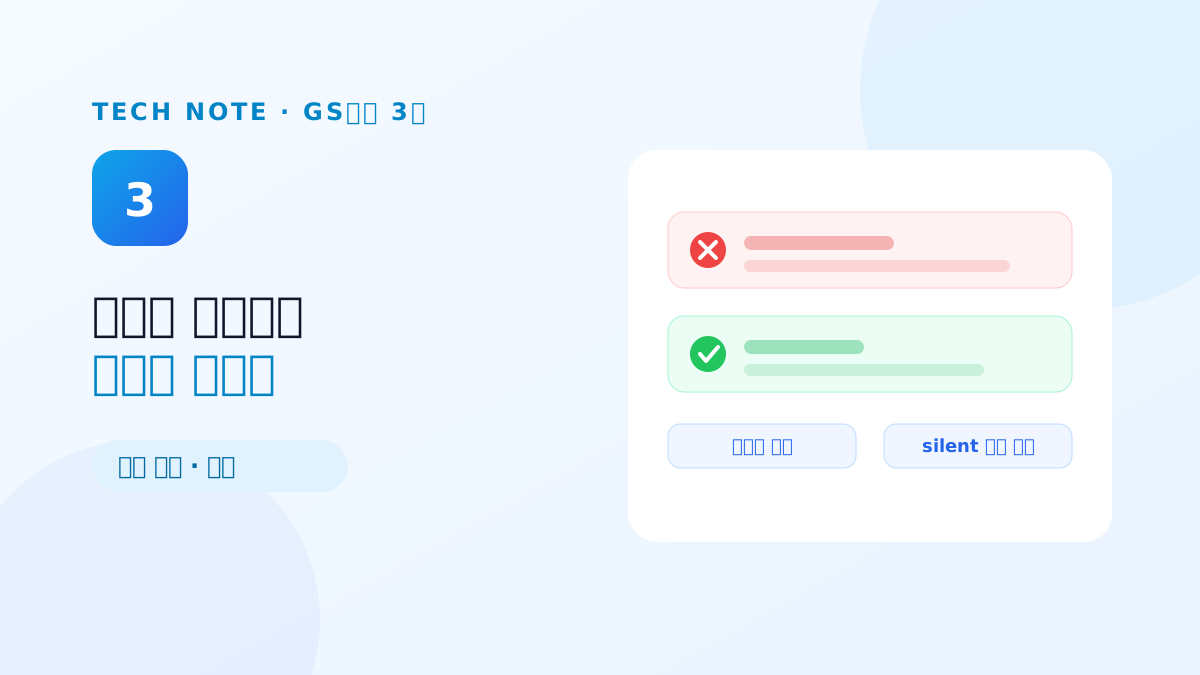
One defect from early in the testing set the direction for the whole certification. Run an agent flow with a required field left empty, and the chat area said "the agent flow completed," while the log area on the same screen showed a red error. The two areas were telling different stories, and the tester wrote it up as "the execution result states do not agree with each other."
The code that emitted the completion message at the end of the execution pipeline and the code that streamed each node's errors into the log did not know about each other. Making an error also emit the same error text into the chat area was not hard. What came next was. This mismatch was not in one place.
We added asterisks, took them off, and then built validation
Our first response to the required-field defect was to mark required items on each node with an asterisk. The idea was to make it visible what a user has to fill in, and we said so in our reply to the second report. Then on 2 June we removed those asterisks again. An asterisk reads as a promise — "leave this empty and saving or running will be blocked" — and we had no validation logic to keep that promise. When the marking arrives before the validation, it creates a misunderstanding.
The real validation went into the execution layer on 12 June. When a workflow execution request comes in, we sweep every node before running: is any parameter declared required left empty, and does any required input port have no connection. If something is missing, execution never starts, and the error text names which item on which node is empty. That came straight from the testing body's request that text like "please try again shortly" gives the user no way of knowing what to do.
The part of the validation logic that took real care was avoiding false positives. Zero and False have to be treated as valid values, not empty ones, and a conditional parameter that only appears on screen depending on another parameter must be excluded from the check while it is inactive, even if it is marked required. Validation that is too strict just produces a new defect: a valid flow that will not run. Only after that did the asterisks earn the right to come back.
Every failure was being reported in the same sentence
When saving an API tool failed, the message was "failed to save the tool," whatever the cause. A rejected user-info edit gave "failed to update user information," a failed settings reset gave "failed to initialize the client." The server was returning the specific cause — the frontend was discarding it in the catch block and substituting fixed text.
The fix itself was to show the error cause returned by the server and the communication layer alongside the message. We applied that pattern not only to the screens named in the report but across every screen using the same structure. Fixed text looks tidy while you are writing it, but the moment something goes wrong it burns time for both the user and the support organization.
We cleared out failures dressed up as success
There was a quieter variety too. The authentication-profile API was returning HTTP 200 on some failure paths. Nothing looks wrong on screen, but nothing was saved — a silent 200. A hotfix on 31 May closed that path so failures go out with a failure code.
The same structure turned up in schedule execution history. The failure tab only classified runs that had died on a system exception; every other failure appeared nowhere. We widened what counts as a failure and added a column storing the last execution state, so a failed schedule shows up in the failure tab. Input that had been pretending to quietly save metadata with malformed JSON got validation at the same time.
Error handling was not exception handling, it was conversation design
Finishing this family of fixes, there was one thing in common. None of them was a defect caused by an uncaught exception. The exceptions were caught and the logs were written. The problem was that the fact got flattened at the last stretch before reaching the user — into a completion message, into fixed text, into a 200 response.
A success message that hides a failure is worse than a bug. A bug can be fixed; a false success makes users doubt their own actions. The next part extends this view to options and parameters — why it is a defect when changing a setting produces the same result, and what a full sweep of node parameters turned up.
Previous → Replacing password hashing with argon2id on a live system (Part 2)
Next → If changing the setting changes nothing, that is a defect (Part 4)