

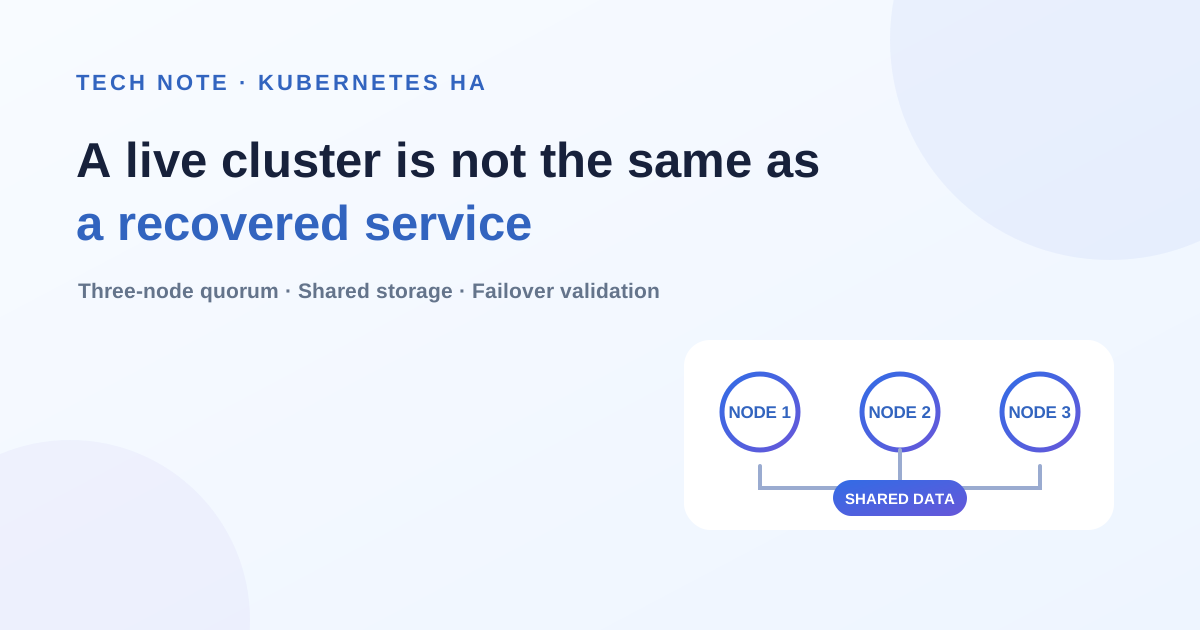
Editor's note · B2B adoption perspective — High availability is not guaranteed by node count alone. A customer needs to know whether a workload can restart elsewhere with its real data, whether configuration survives recovery, and whether user-visible interruption stays within the agreed target—not only whether the control plane remains alive. This article turns a “three-node” specification into operating criteria for data access, configuration persistence, and recovery time.
We stopped one node in a three-node Kubernetes HA environment built with K3s and examined how its pod recovered. A pod using a local-path volume remained Pending because the volume was tied to a specific node. In the final configuration using shared storage, the pod became Ready on another node in approximately 81 seconds. This article covers the storage conditions and failover checks that the results highlight when planning an HA setup.
Background and test environment
In an XGEN production environment, a pod remained Pending instead of running on another node after its original node stopped. We created a separate test environment on AWS to investigate the conditions under which this could occur.
The main question was whether a pod could restart on a remaining node and use its existing data after one node stopped. Instead of using production data, we prepared test files and checked placement and data preservation before and after stopping the node.
| Component | Test conditions |
|---|---|
| Operating system | Rocky Linux 9.8 |
| Kubernetes distribution | K3s v1.29.3+k3s1 |
| Cluster configuration | Three server nodes with embedded etcd |
| Workload placement | Test pods running on server nodes |
| Initial storage | A local-path PV tied to a specific node |
| Replacement storage | A shared path on a separate NFS server |
| Failure simulation | Normal EC2 instance Stop/Start |
We chose this K3s version to match production conditions. It was the version used for this reproduction test, not a recommendation for new deployments.
How three-node HA relates to storage
In a K3s HA configuration with embedded etcd, the server nodes run the Kubernetes API, control plane, and etcd.
etcd stores cluster state and requires a majority of its members to agree on changes. This majority is called a quorum. With three members, the remaining two can maintain quorum when one stops. K3s HA configuration documentation
However, etcd does not replicate application files stored on a PV. Even if the cluster can still manage pods, recovery may be blocked when the node that provides access to the data is unavailable.
We therefore examined the availability of cluster management separately from access to application data.
K3s cluster
├─ node1: Control Plane + etcd + workloads
├─ node2: Control Plane + etcd + workloads
└─ node3: Control Plane + etcd + workloads

Initial test
└─ Pod → PVC → local storage on node1

Migration test
└─ Pod → PVC → NFS shared storage
                └─ accessible from node1, node2, and node3
Stopping a node that uses a local-path volume
For the first test, we prepared a pod using a local-path PV on node1. The other nodes had sufficient spare resources, and the pod did not have a nodeSelector specifying a particular node.
After we stopped node1, the pod remained Pending.
The cause was the PV's nodeAffinity. The PV in this test was tied to node1, and its data was stored on that node's local disk. Kubernetes considers the node affinity of the associated PV when scheduling a pod, so spare resources on another node alone could not satisfy the placement requirements. Kubernetes PV Node Affinity documentation
Pod
└─ PVC
    └─ local-path PV
        ├─ Data location: local disk on node1
        └─ nodeAffinity: node1
Event messages alone did not clearly identify the cause. Under this version and these test conditions, the exact phrase volume node affinity conflict did not appear. Instead, the messages referred to an unreachable node and stated that preemption would not help.
We therefore needed to examine both the pod events and the configuration of the PV bound to the PVC.
kubectl get pods -n <namespace> -o wide
kubectl describe pod <pod-name> -n <namespace>

kubectl get pvc <pvc-name> -n <namespace> -o yaml
kubectl get pv <pv-name> -o yaml
This test reproduced similar Pending behavior when a local-path PV was tied to one node. Confirming the cause in production would still require checking that environment's actual PV and scheduling constraints.
Migrating to shared storage and testing again
For the next test, we moved the data to NFS shared storage so that the pod could access the same data after being scheduled on another node.
We first created a static NFS PV and PVC and copied the test data. We then changed the pod to use the new PVC and stopped node1 again.
This time, the pod became Ready on node2. We verified existing file checksums, writes of new files, and HTTP responses.
One important distinction during migration was that preparing a shared path and replacing an existing PV were separate tasks. Making the same NAS path accessible from every node did not remove the node affinity from the existing PV.
We created a new PV and PVC, migrated the data, and updated the pod's volume reference.
Original configuration
Pod → original PVC → local disk on node1

New configuration
Pod → new PVC → NFS shared storage
The test workload used ordinary files. Database replication, concurrent writes, and consistency after failure were outside the scope of this test.
Configuration reverting after a node restart
After validating the static NFS PV, we also tested the local-path-provisioner's sharedFileSystemPath setting so that newly created PVCs would use a shared path.
PVs created with this configuration had no node affinity. After a node stopped, a pod could run on another node while accessing the data.
However, when we restarted node1, the modified default local-path-config reverted to its original values.
K3s manages its default components as AddOns and rewrites packaged manifests at startup. In this environment, that management process reverted our direct changes to the default local-path configuration. K3s packaged components documentation
Even if existing PVs worked correctly, we could not assume that subsequent PVCs would use the same path.
To address this, we deployed a separate provisioner for NAS. A dedicated ConfigMap, provisioner identifier, and StorageClass separated it from the default local-path configuration.
After making this change, we restarted the node and checked two things:
- Whether the dedicated provisioner's configuration persisted
- Whether creating a new PVC produced a PV using the NAS path
We needed to check not only the pod's state after failover, but also whether the configuration persisted after recovery.
Failover results and validation scope
In the final configuration, approximately 81 seconds elapsed between stopping node1 and the test pod becoming Ready on node3.
| Validation item | Result |
|---|---|
| Pod became Ready on a remaining node | Confirmed |
| Existing file checksums matched | Confirmed |
| New data could be written after rescheduling | Confirmed |
| HTTP responses through NodePort | Confirmed |
| One active test pod remained after the original node returned | Confirmed |
| Data written after failure was preserved | Confirmed |
| New PVCs used the NAS path after restart | Confirmed |
The approximately 81-second interval was an observation under these test conditions. The test pod's NoExecute toleration was set to 30 seconds. This result cannot be applied directly as a production service recovery target. Time until a pod becomes Ready should also be distinguished from the interruption users experience.
The test also had the following limitations:
- We used normal EC2 Stop/Start operations; sudden power loss and network disconnection were not tested.
- There was only one NFS server, so the HA of shared storage itself was not validated.
- The workload used ordinary files; database failover and data consistency were not validated.
- Availability of the full service path, including automatic switchover of the external entry point, was not validated.
The result therefore demonstrates that, after a workload node stops, a pod can restart on another node using shared data under the tested conditions.
What to check in an HA configuration
This validation revealed conditions that node count alone cannot establish. With a local-path PV, the data's dependency on one node prevented pod rescheduling. After migration to shared storage, a node restart revealed a configuration reversion issue.
The experience showed that an HA review needs to connect cluster state management, workload placement, data access, and configuration persistence after recovery.
Further validation should cover failures of shared storage itself, the external request path, and recovery behavior for each database. Separating what has been confirmed from what remains untested makes it easier to explain precisely which failures a production environment can handle.
Agree on the recovery boundary before applying this to a customer environment
In a production customer environment, “the pod restarted after one node stopped” is rarely a sufficient completion criterion. The failure boundary must be agreed across the full service path, including shared storage, databases, external entry points, sessions, and background jobs.
A PoC and production-readiness review should examine these criteria together:
- Failure scope — Which scenarios were tested: node shutdown, network partition, or storage failure?
- Data continuity — Can the rescheduled workload read existing data and safely write new data?
- Service recovery time — How long until an external user receives a normal response, not merely until the pod becomes Ready?
- Configuration persistence — Do StorageClass and provisioner settings remain intact after node and cluster restarts?
- Remaining single points of failure — Which components, such as NFS, databases, or load balancers, are not yet redundant?
The deliverable from an HA test should therefore be an operating baseline that records tested and excluded failures, observed recovery time, and data-validation results—not a single pass or fail. That gives the customer and supplier a shared definition of the availability they are committing to.